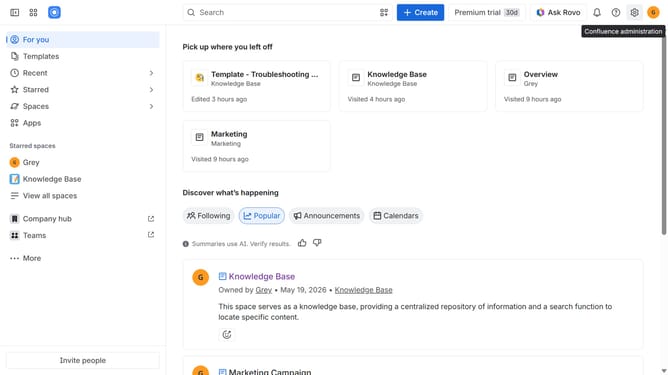
How to filter apps by the Sales and customer relations category in Confluence Marketplace
Here is how to filter apps by the sales and customer relations category in confluence marketplace
- First click on the "Apps" in the left sidebar
- Next, click on the "Explore more apps" option
- Click on the "Categories" filter below the search bar
- Then select "Sales and customer relations" from the categories list
Why should you filter apps by the Sales and customer relations category in Confluence Marketplace
Confluence is a versatile collaboration tool designed to enhance team productivity and project management.
In Confluence Marketplace, filtering apps by the Sales and customer relations category refines your search, streamlining access to the most relevant tools.
This feature allows you to quickly identify apps that can boost your sales efficiency and enhance customer interaction.
Utilizing this categorization not only saves time but also ensures you integrate the best tools for maintaining strong customer relationships and sales engagement.
Last update