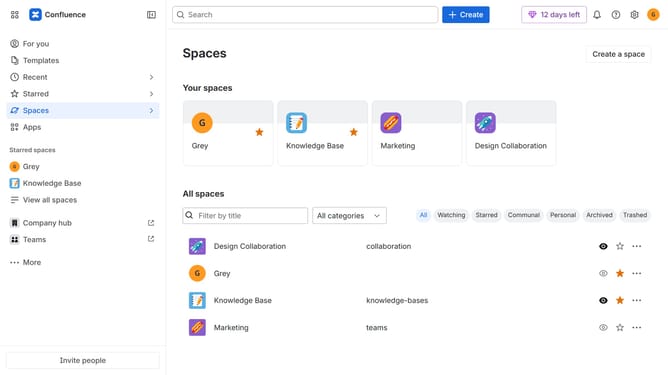
How to disable the DevOps change management blueprint in Confluence
Here is how to disable the devops change management blueprint in confluence
- First click on the gear icon in the top right header
- Click on "Configuration" in the left sidebar under Settings
- Next, select "Global templates and blueprints"
- After that, locate the "Global blueprints" section
- Then locate the "DevOps change management" blueprint in the Global blueprints list
- Finally, turn off the toggle next to the blueprint to disable it
Why should you disable the DevOps change management blueprint in Confluence
Confluence is a dynamic collaboration platform designed to maximize team efficiency and productivity.
Disabling the DevOps change management blueprint in Confluence can bring your focus back to more relevant workflows. This blueprint, while excellent for tracking updates and changes, might not suit every project's needs.
Having the flexibility to toggle this feature ensures your team stays agile, streamlining the workspace and preventing unnecessary complexity.
Taking control of feature availability empowers teams to tailor their processes, enhancing overall productivity and satisfaction.
Last update