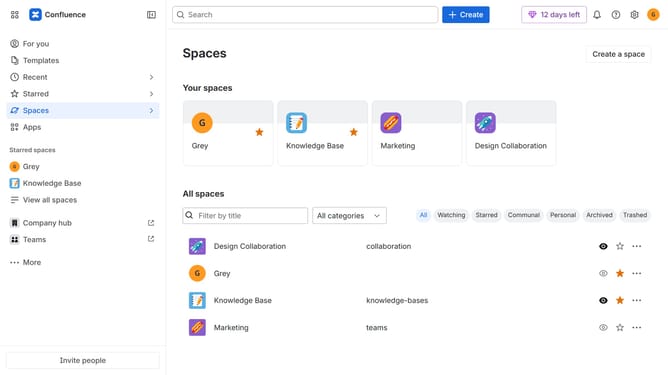
How to view announcement banners in Confluence
Here is how to view announcement banners in confluence
- First click on the gear icon in the header to open Confluence administration
- In the sidebar, click on "Announcements"
- The announcements table will now display all Active, Scheduled, and Archived announcement banners
Why should you view announcement banners in Confluence
Confluence is a powerful collaboration tool designed to help teams work more efficiently and effectively.
Viewing announcement banners in Confluence is an essential feature that keeps users informed and updated with critical information and organizational news.
By leveraging this feature, teams ensure that important announcements reach every member promptly, facilitating better communication.
This awareness helps to streamline efforts, maintain alignment, and promote a cohesive work environment, leading to enhanced productivity.
Last update