How to hide viewer avatars on published pages in Confluence
Here is how to hide viewer avatars on published pages in confluence
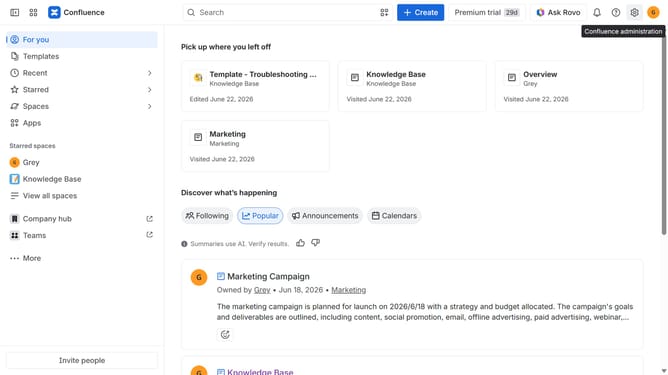
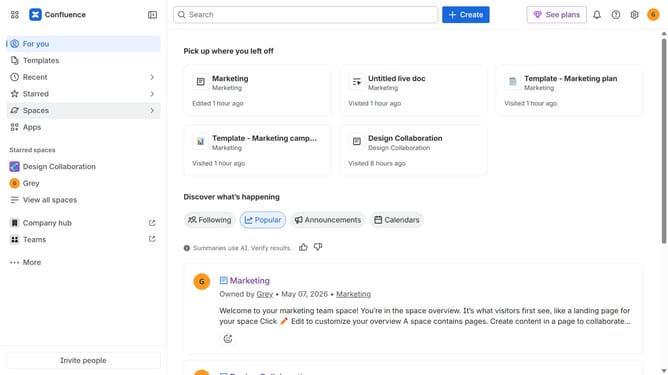
- First click on "Spaces" in the left sidebar
- Next click on the "View all spaces" option
- From the list, open the space you want to manage
- Then click on the "three dots" button next to the space name in the sidebar
- From the dropdown menu, select the "Space settings" option
- In the left sidebar, click on "General"
- Next, select the "Avatars and status" menu
- Then, locate the "Avatars on published content" option
- Finally, turn off the toggle to disable avatars on published content in the space
Why should you hide viewer avatars on published pages in Confluence
Confluence is a collaborative workspace where teams can create, organize, and discuss work effortlessly.
The feature to hide viewer avatars on published pages in Confluence allows teams to maintain a clean and focused view of content. By concealing the avatars, the pages appear streamlined and professional, enhancing readability and minimizing distractions.
Using this feature strengthens the focus on the content. It ensures sensitive projects remain discreet by not displaying who has viewed the pages. This contributes to improved privacy and a smoother user experience.
Last update