How to disable the Work life impact blueprint in Confluence
Here is how to disable the work life impact blueprint in confluence
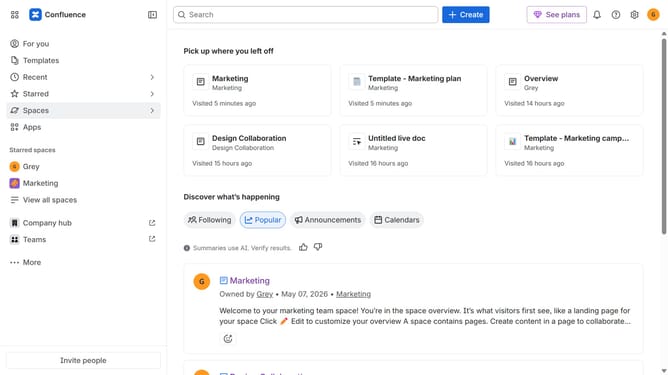
- First click on the gear icon in the top right header
- Click on "Configuration" in the left sidebar under Settings
- Next, select "Global templates and blueprints"
- After that, locate the "Global blueprints" section
- Then locate the "Work life impact" blueprint in the Global blueprints list
- Finally, turn off the toggle next to the blueprint to disable it
Why should you disable the Work life impact blueprint in Confluence
Confluence is your collaborative workspace for organizing and sharing team knowledge efficiently.
Disabling the Work life impact blueprint in Confluence can streamline your projects by focusing only on relevant features. This action means less clutter and more control over which tools support your team's specific workflows.
This customization enhances productivity by tailoring the interface to suit your collective needs, encouraging effortless collaboration, and maintaining a conducive work environment.
Last update