How to enable avatars on published content in Confluence
Here is how to enable avatars on published content in confluence
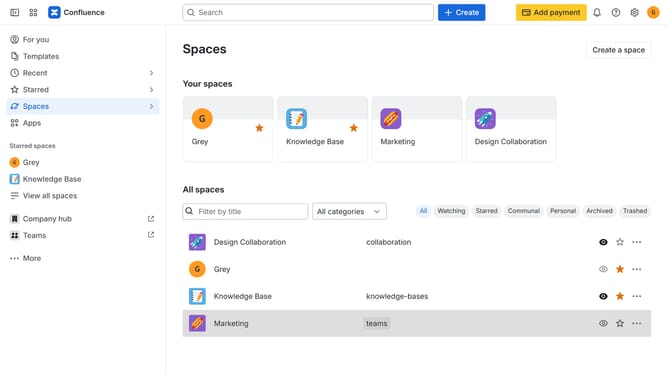
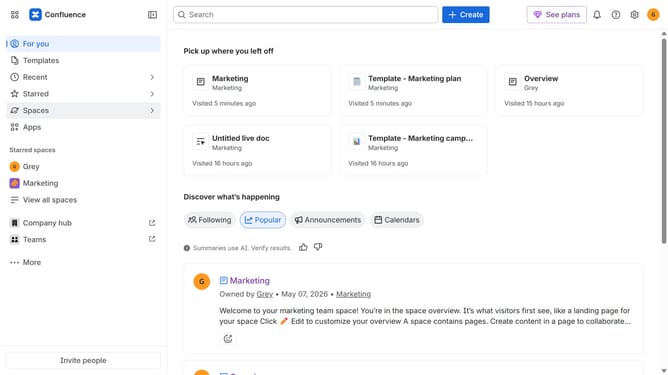
- First click on the gear icon in the top right header to open the Confluence administration menu
- Find "Settings" in the Confluence administration menu
- Next click on "Configuration"
- After that, select "General configuration" in the submenu
- In the Confluence setup section, locate "Avatars on published content"
- Then, check the checkbox to enable the option
- Finally click on the "Save configuration changes" button to apply the changes
Why should you enable avatars on published content in Confluence
Confluence is a robust collaboration tool designed to help teams effortlessly organize and share knowledge.
By enabling avatars on published content in Confluence, users can infuse their team’s unique personality into the documentation.
This feature, offering a visual association with content contributors, enhances user engagement and helps in quickly identifying contributors at a glance.
Not only does it personalize the workspace, but it also fosters a stronger sense of community and connection within the team.
Last update