How to view version history of content in Confluence
Here is how to view version history of content in confluence
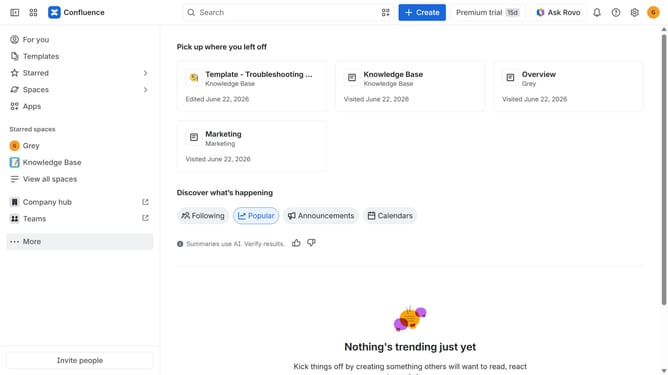
- First, navigate to the Spaces list and open the space that contains the content
- In the left sidebar, open the content whose version history you want to view
- Next, click on the "More actions" menu (three dots) in the top-right corner
- Then select "Version history" from the dropdown menu
- The version history of the content will now be displayed
Why should you view version history of content in Confluence
Confluence is a dynamic collaboration software that transforms teamwork into success.
One standout feature is viewing the version history of content. This functionality allows users to track changes, ensuring every edit and update is both transparent and recoverable.
Using the version history feature provides peace of mind and encourages a collaborative editing culture. It's particularly beneficial for teams managing complex projects as it fosters accountability and enhances clarity.
This feature not only safeguards content but also strengthens collaboration and innovation.
Last update