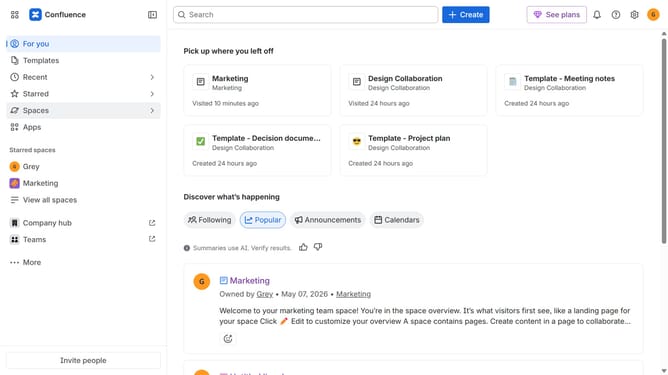
How to install ConfiForms in Confluence
Here is how to install confiforms in confluence
- First click on "Apps" in the navigation
- Next, select the "Explore more apps" option
- From the list, locate "ConfiForms - Data Forms & Workflows for Confluence" and click on it to open the app details page
- Click on the "Try it free" or "Install" button
- Select the Confluence site where it will be installed
- Then click on the "Review" button to proceed
- Review the app details, permissions, and other information
- Finally, click on the "Start free trial" or "Confirm installation" button
Why should you install ConfiForms in Confluence
Confluence is a versatile platform designed to facilitate seamless collaboration and knowledge sharing.
Installing ConfiForms in Confluence enhances this experience by allowing you to create customizable forms without any hassle.
This feature empowers teams to effortlessly collect, manage, and analyze data directly within Confluence, enabling more informed decision-making processes.
Overall, the integration of ConfiForms into Confluence maximizes productivity and efficiency, making teamwork smoother and more impactful.
Last update