How to access deleted spaces in Confluence
Here is how to access deleted spaces in confluence
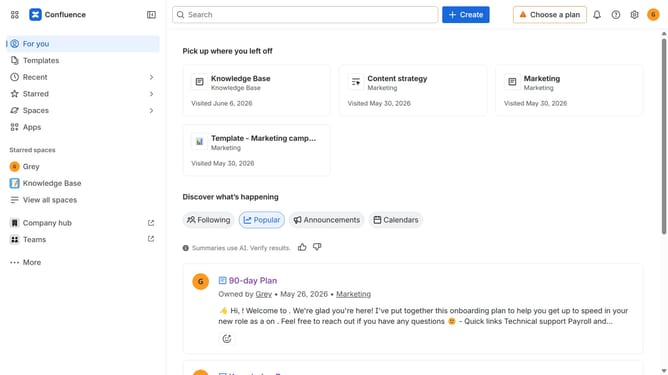
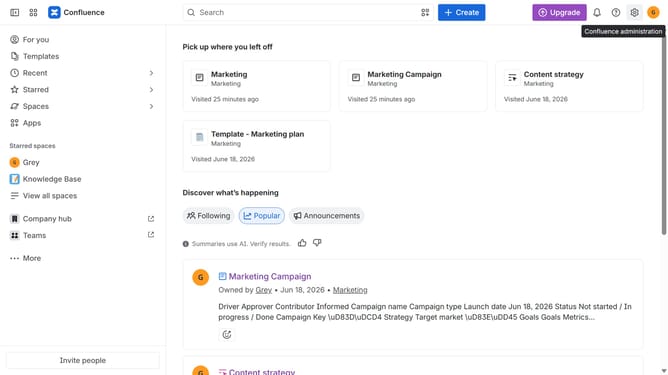
- First, click on "Spaces" in the left sidebar
- Next, select "View all spaces" in the dropdown menu
- Locate the filter options at the top of the spaces list
- Then, select the "Trashed" option
- Finally click on the "Go to settings" button
- From here, you can now view and manage all your deleted spaces
Why should you access deleted spaces in Confluence
Confluence is a robust collaboration platform designed to empower teams to work smarter and faster.
The ability to access deleted spaces in Confluence is a significant feature that ensures continuity and security for your content. Mistakes happen, but with this feature, they're not final.
Recovering deleted spaces allows you to quickly restore important data, mitigating any potential disruption to projects and decision-making processes. It helps maintain project momentum and protects against accidental deletions.
This feature saves time and effort, reassures users, and strengthens overall productivity and peace of mind.
Last update