How to filter users by Jira Service Management Customer role in Confluence
Here is how to filter users by jira service management customer role in confluence
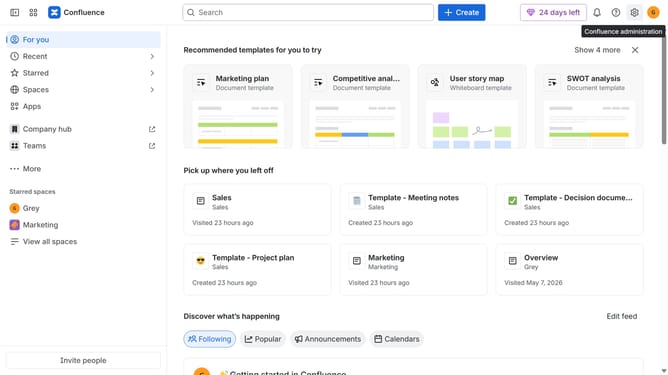
- First click on the "Switch sites or apps" button in the top left corner
- Next select "Administration" in the dropdown menu
- In the administration sidebar, click on "Directory"
- Select "Users" from the directory submenu
- After that click on the "Role" filter above the user list
- Then select "Jira Service Management Customer" from the role options
- The user list will now display only users with the Jira Service Management Customer role
Why should you filter users by Jira Service Management Customer role in Confluence
Confluence is a dynamic collaboration tool designed to help teams work together seamlessly.
Filtering users by Jira Service Management Customer role in Confluence enhances collaboration by allowing you to identify and focus on specific user groups easily.
This feature streamlines the organization of content access, ensuring relevant information is readily accessible to customers with specific roles.
By leveraging this functionality, teams can improve communication, personalize customer interactions, and ultimately boost productivity.
Last update