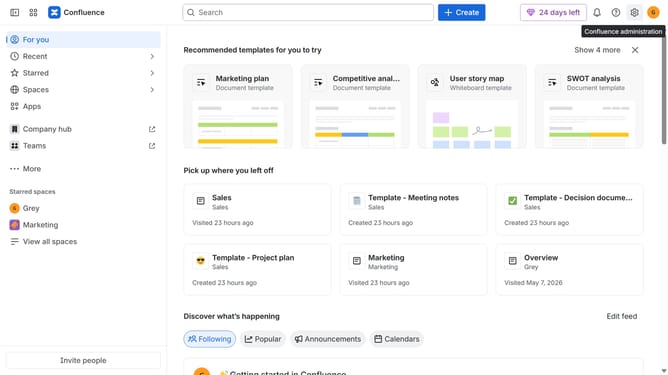
How to reorder sidebar items in Confluence
Here is how to reorder sidebar items in confluence
- First click on "Customize sidebar" in the sidebar
- Next locate the sidebar item you want to move in the customize sidebar menu
- To move the item, click and hold the handle icon next to the item
- Then, drag the item to its desired position in the list and release it
- Alternatively, click on the three dots next to the item you want to move
- Next, click on "Move item within sidebar" to reorder the item
- Then choose the position where you want to move the item
- Finally click on the "Save changes" button
Why should you reorder sidebar items in Confluence
Confluence is a robust collaboration tool designed to boost team productivity and streamline project management.
One standout feature is the ability to reorder sidebar items with ease, providing a customizable workspace tailored to your unique workflow preferences.
Reordering sidebar items enhances navigation efficiency, making important information and tools readily accessible, thereby reducing time spent on searching.
Taking advantage of this feature aligns your workspace with specific project needs, improving user experience and fostering a more organized digital environment.
Last update