How to enable email notifications in Confluence
Here is how to enable email notifications in confluence
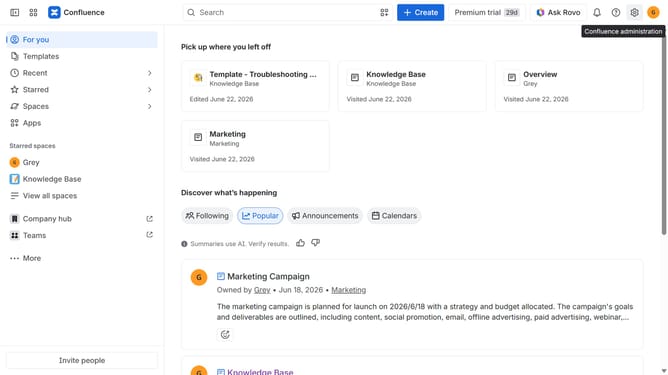
- First click on the gear icon in the top right header to open the Confluence administration menu
- Find "Settings" in the Confluence administration menu
- Next click on "Configuration"
- Then select "General configuration" in the submenu
- In the General configuration section, locate the "Email notification" option
- Then, check the checkbox to enable email notifications
- Finally click on the "Save configuration changes" button to apply the changes
Why should you enable email notifications in Confluence
Confluence is a powerful collaboration tool that boosts teamwork by transforming the way knowledge is shared within organizations.
Enabling email notifications in Confluence keeps you updated on the latest changes and discussions relevant to your projects.
By activating this feature, you ensure timely updates land directly in your inbox, aiding in quick decision-making and improved communication among team members.
This functionality is invaluable for staying informed, enhancing productivity, and fostering a more connected workforce.
Last update