How to configure the maximum attachments per upload in Confluence
Here is how to configure the maximum attachments per upload in confluence
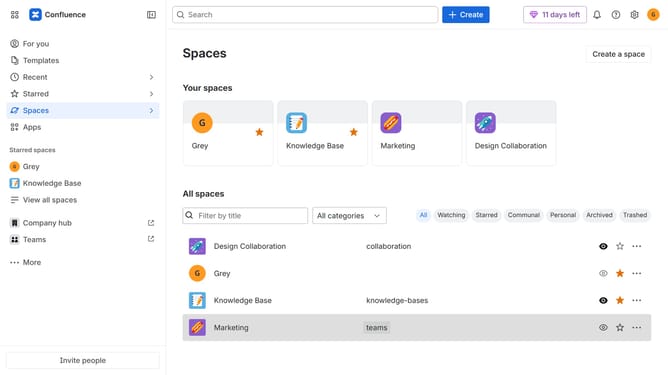
- First click on the gear icon in the top right header
- Find "Settings" in the Confluence administration menu
- Next click on "Configuration"
- After that, select "General configuration" in the submenu
- Scroll down to the “Attachment settings” section
- Next, locate the "Maximum attachments per upload" field
- Then, enter your preferred maximum number of attachments allowed per upload
- Finally, click on the "Save configuration changes" button
Why should you configure the maximum attachments per upload in Confluence
Confluence is a powerful collaboration tool designed to enhance team productivity by seamlessly integrating content creation and sharing.
One standout feature is the ability to configure the maximum attachments per upload in Confluence, which allows teams to effectively manage their storage and maintain organized spaces.
By adjusting this setting, users can prevent oversized uploads, ensuring smoother navigation and optimized performance. This feature benefits organizations by enhancing workflow efficiency and preserving system resources.
Last update