How to disable the Performance improvement plan blueprint in Confluence
Here is how to disable the performance improvement plan blueprint in confluence
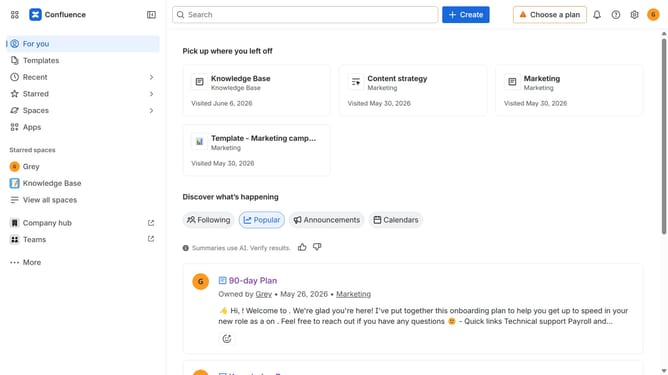
- First click on the gear icon in the top right header
- Click on "Configuration" in the left sidebar under Settings
- Next, select "Global templates and blueprints"
- After that, locate the "Global blueprints" section
- Then locate the "Performance improvement plan" blueprint in the Global blueprints list
- Finally, turn off the toggle next to the blueprint to disable it
Why should you disable the Performance improvement plan blueprint in Confluence
Confluence is a versatile collaboration tool designed to unify team workflows in a seamless, efficient manner.
For organizations that utilize the Performance Improvement Plan blueprint, the ability to disable this feature offers greater control over documentation and process management.
By choosing to disable this blueprint, teams can customize their workspace, facilitating a more focused and relevant approach to performance evaluation.
This adaptability ensures that only necessary and beneficial tools are active, optimizing overall team productivity and document management.
Last update