How to enable live docs in a Confluence space
Here is how to enable live docs in a confluence space
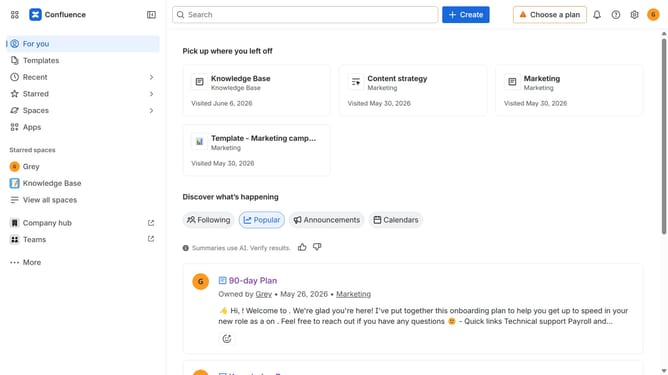
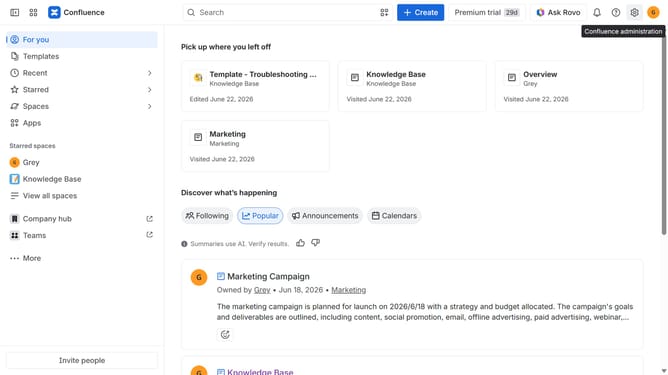
- First click on "Spaces" in the left sidebar
- Next click on the "View all spaces" option
- From the list of spaces, select the space you want to manage features for
- Then click on the "three dots" button next to the space name in the sidebar
- From the dropdown menu, select the "Space settings" option
- Next click the "General" menu in the left sidebar
- Select "Features" from the submenu
- Then, locate the “Live docs” feature in the Content section
- Finally, turn on the toggle next to "Live docs" to enable it
Why should you enable live docs in a Confluence space
Confluence is your collaborative home for team documentation and knowledge sharing.
Enabling live docs in a Confluence space enhances your team's ability to work seamlessly together on dynamic content. Imagine the ease of seeing real-time updates and changes, minimizing the risk of version conflicts.
This feature not only streamlines collaboration but also ensures that everyone stays on the same page, quite literally. It's a transformative way to boost productivity and maintain alignment across your projects.
Last update