How to change audit log retention settings in Confluence
Here is how to change audit log retention settings in confluence
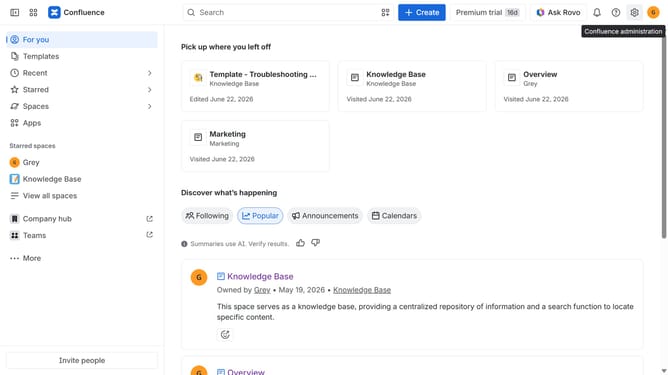
- First click on the gear icon in the top right header
- Click on "Audit log" in the left sidebar under "Monitoring"
- Next, click on "Settings" in the top-right corner of the audit log
- Then, configure how long audit log events should be retained
- Finally, click on the "Save" button to apply the change
Why should you change audit log retention settings in Confluence
Confluence is a powerful tool designed to facilitate seamless collaboration and knowledge sharing within teams.
One valuable feature within Confluence is the ability to adjust audit log retention settings. By modifying these settings, users can decide how long they wish to keep their audit records, which is crucial for maintaining relevant historical data and ensuring compliance with organizational policies.
Turning the custom retention setting to your advantage helps optimize storage and enhances focus on current, actionable insights rather than outdated records.
Last update