How to manage custom space roles in Confluence
Here is how to manage custom space roles in confluence
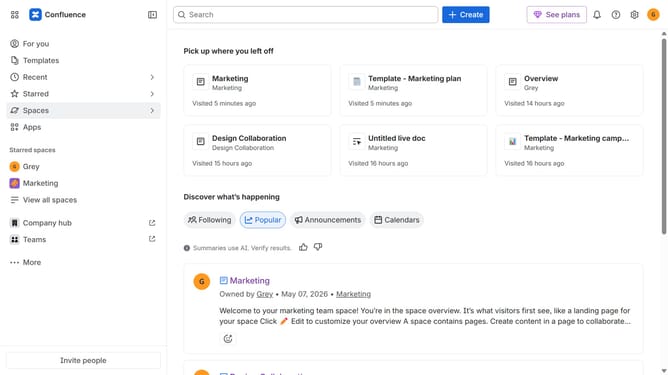
- First click on the settings icon in the top right corner to open confluence administration
- In the sidebar, click on "Permissions"
- Next, click on "Space roles" in the submenu
- Locate the custom space role you want to manage under the "Custom roles" section
- Click on the three dots icon next to the custom role
- From the dropdown menu, you can view, edit or delete
- If you want to edit, update the role name, description, or permissions as needed
- Finally, click on the "Save" button to apply changes
Why should you manage custom space roles in Confluence
Confluence is a powerful collaboration tool that streamlines team communication and project organization.
The ability to manage custom space roles in Confluence provides flexibility and control over who can access specific functionalities within a given space.
This feature enables teams to tailor permissions and responsibilities according to their unique workflow, ensuring efficient collaboration and safeguarding sensitive information.
By customizing roles, teams enhance productivity, foster accountability, and create a more cohesive work environment.
Last update