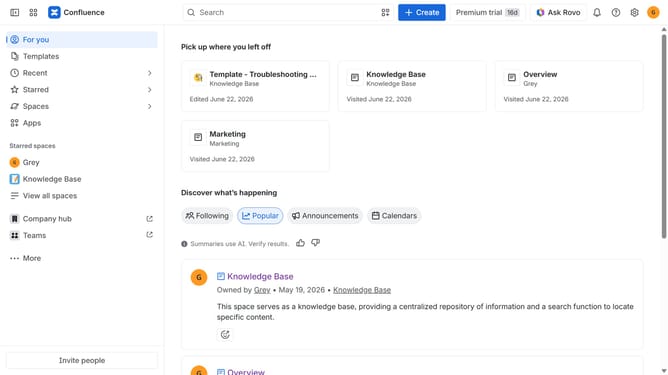
How to export all content from a Confluence space
Here is how to export all content from a confluence space
- First click on "Spaces" in the left sidebar
- Next click on the "View all spaces" option from the pop-up menu
- Click on the space you want to export to open it
- In the left sidebar, click on the three dots menu next to the space name
- After that, click on "Space settings" in the dropdown menu
- In the left panel, click on "General"
- Then, click on "Export space" in the submenu
- Next, select the "PDF" option under "Flie format"
- Next, select the "All content you have permission to view" option
- Once done, click on the "Export Space" button
- The export process will now begin
- Finally, once done click the “Download” button to download the exported file in your selected format
Why should you export all content from a Confluence space
Confluence is a collaborative workspace designed to help teams create, share, and manage their work more efficiently.
The feature to export all content from a Confluence space ensures you can easily back up your data. This capability is crucial for teams looking to migrate information or maintain secure copies for compliance and archival purposes.
Exporting content simplifies access to information across platforms, allowing data to be repurposed effortlessly. It enhances collaboration by providing offline access and keeps everyone aligned with the latest information.
Last update