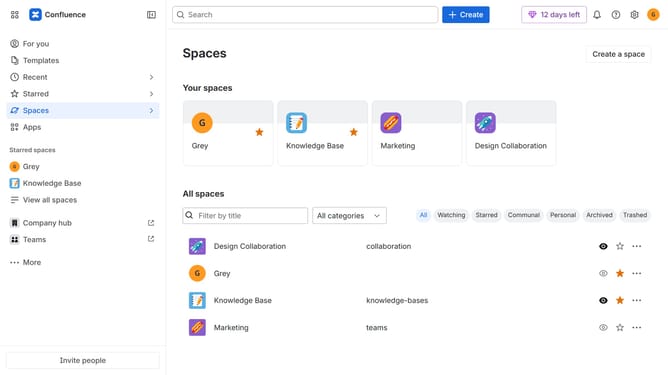
How to filter apps by Release Management use case in the Confluence Marketplace
Here is how to filter apps by release management use case in the confluence marketplace
- First click on "Apps" in the left sidebar
- Next, click on the "Explore more apps" option
- Click on the "Use cases" filter below the search bar
- Then, select the "Release Management" checkbox
- Optionally, select additional use case options
Why should you filter apps by Release Management use case in the Confluence Marketplace
Confluence is a collaboration tool designed to enhance teamwork and streamline project management.
In the Confluence Marketplace, filtering apps by Release Management use case is an intuitive way to pinpoint the tools that perfectly fit your project needs. This feature allows users to efficiently search and identify applications that specialize in version control, software deployment, and release planning.
Utilizing this filter not only saves time but also ensures that you are equipped with the most relevant tools for managing releases successfully. With such specificity in your search, teams can focus more on productivity and less on sifting through irrelevant options.
Last update