How to export a Confluence space as a CSV file
Here is how to export a confluence space as a csv file
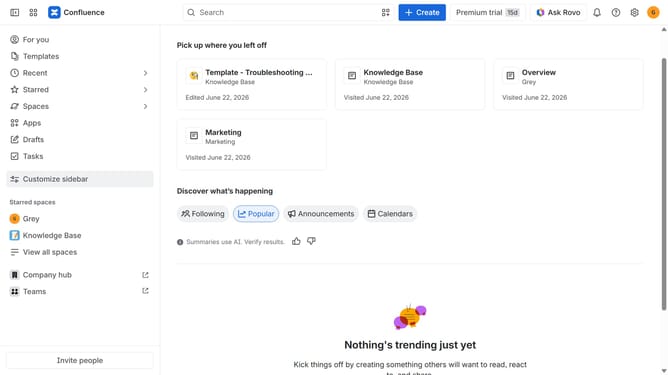
- First click on "Spaces" in the left sidebar
- Next click on the "View all spaces" option from the pop-up menu
- Click on the space you want to export to open it
- In the left sidebar, click on the three dots menu next to the space name
- After that, click on "Space settings" in the dropdown menu
- In the left panel, click on "General"
- Then, click on "Export space" in the submenu
- Next, select the "CSV" option under "Flie format"
- Then, click on the "Export Space" button
- The export process will now begin
- Finally, once the export is complete, click the “Download” button to download the CSV file
Why should you export a Confluence space as a CSV file
Confluence is a dynamic workspace designed to facilitate seamless collaboration and information sharing.
One of its standout features is the ability to export a Confluence space as a CSV file. This feature is invaluable for those who want to analyze or archive data outside the Confluence environment.
By exporting to CSV, users can effortlessly manage, manipulate, and share information using other tools, such as spreadsheets. This enhances data mobility and ensures that teams can collaborate and report effectively.
Last update