How to export a Confluence space as a PDF
Here is how to export a confluence space as a pdf
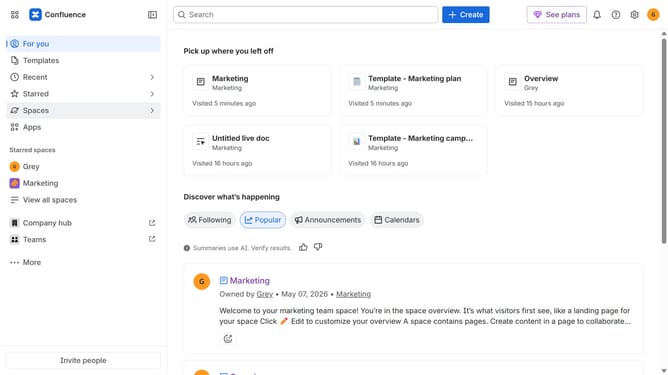
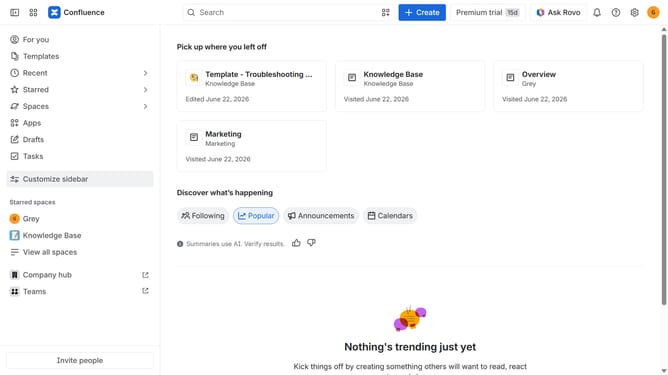
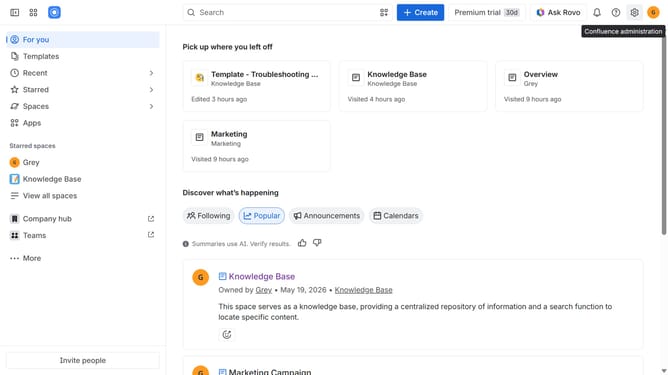
- First click on "Spaces" in the left sidebar
- Next click on the "View all spaces" option from the pop-up menu
- Click on the space you want to export to open it
- In the left sidebar, click on the three dots menu next to the space name
- After that, click on "Space settings" in the dropdown menu
- In the left panel, click on "General"
- Then, click on "Export space" in the submenu
- Next, select the "PDF" option under "Flie format"
- After that, choose the content you want to include in the export
- Once done, click on the "Export Space" button
- The export process will now begin
- Finally, once the export is complete, click the “Download” button to download the PDF file
Why should you export a Confluence space as a PDF
Confluence is a dynamic collaboration tool designed for efficient knowledge sharing within teams.
Exporting a Confluence space as a PDF transforms digital content into a tangible format, enhancing accessibility and ease of distribution.
This feature is ideal for those seeking to archive information or share it with stakeholders who prefer offline access.
By leveraging this function, teams ensure consistent documentation practices and maintain a reliable backup of vital information for enhanced collaboration.
Last update