How to view the permissions for a custom space role in Confluence
Here is how to view the permissions for a custom space role in confluence
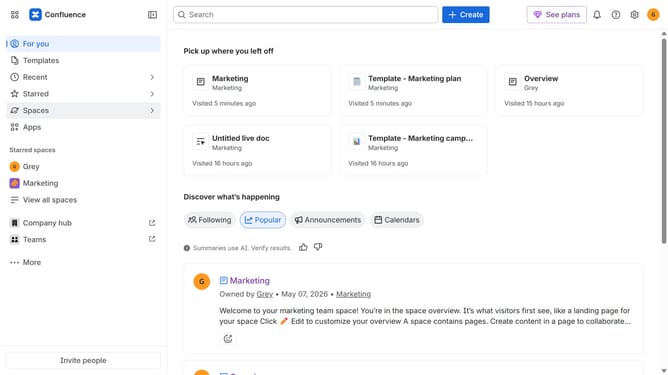
- First click on the settings icon in the top right corner to open confluence administration
- In the sidebar, click on "Permissions"
- Next, click on "Space roles" in the submenu
- Under the "Custom roles" section, locate the custom role whose permissions you want to view
- Next click on the three dots icon next to the role
- Then, click on "View permissions" in the dropdown menu
- In the modal that appears, you can view all permissions assigned to the selected custom role
Why should you view the permissions for a custom space role in Confluence
Confluence is a versatile collaboration tool designed to enhance team productivity and knowledge sharing.
Viewing permissions for a custom space role in Confluence allows users to effortlessly manage access and maintain content security. By checking permissions, team members can ensure the right people have the right access.
Conveniently managing permissions fosters smoother collaboration, reduces bottlenecks, and ensures everyone involved is aligned with their designated responsibilities.
This functionality supports a well-organized work environment, promoting efficiency and seamless engagement within teams.
Last update