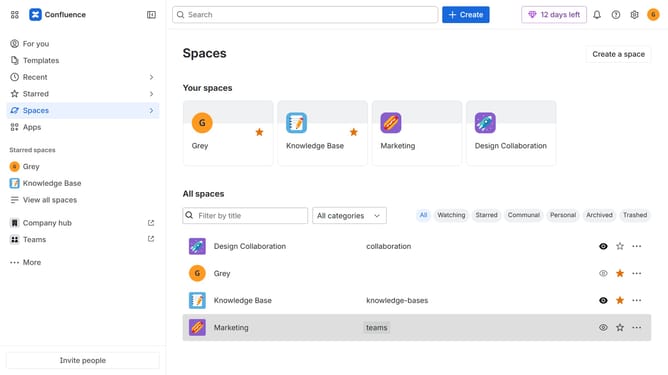
How to permanently delete a Confluence space
Here is how to permanently delete a confluence space
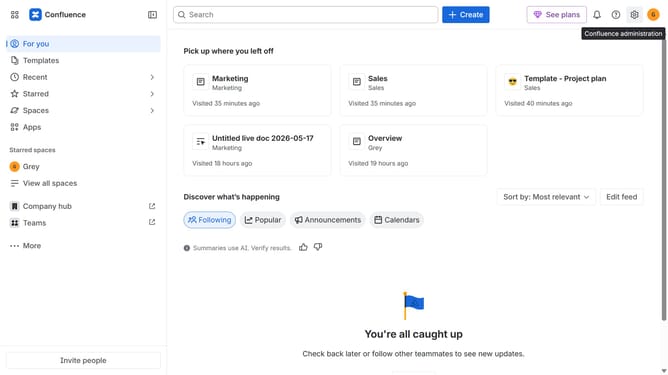
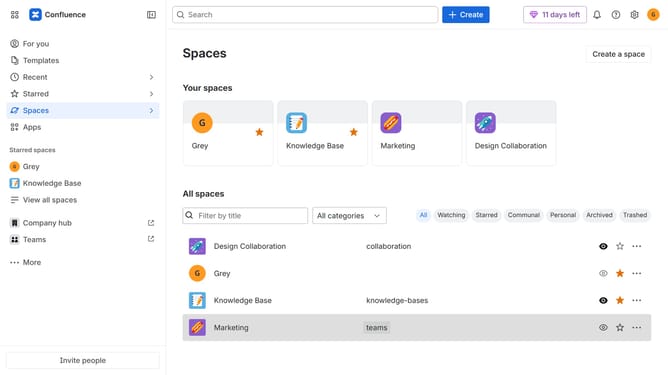
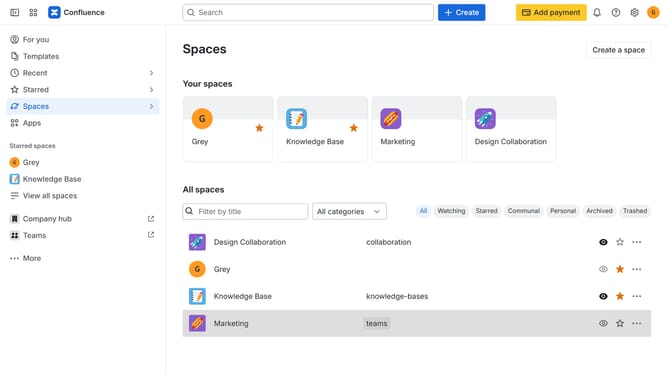
- First, click on "Spaces" in the left sidebar
- Next click on the "View all spaces" option from the pop-up menu
- At the top of the spaces list, click on the "Trashed" option
- After that, click on the "Go to settings" button
- In the "Trashed spaces", find the deleted space you want to remove permanently
- Then, click on the "Permanently delete" trash icon for the space
- Finally, click on the "Delete this space" button in the confirmation dialog
Why should you permanently delete a Confluence space
Confluence is a dynamic collaboration tool designed to streamline teamwork and boost productivity.
One prominent feature is the ability to permanently delete a Confluence space, providing users with essential control over their content. This feature ensures that outdated, redundant, or unnecessary spaces can be efficiently removed.
By permanently deleting unused spaces, you enhance organization and maintain a clutter-free workspace, optimizing navigation and focus on current projects. It's a straightforward way to manage digital resources effectively.
Last update