How to install Scroll Sites in Confluence
Here is how to install scroll sites in confluence
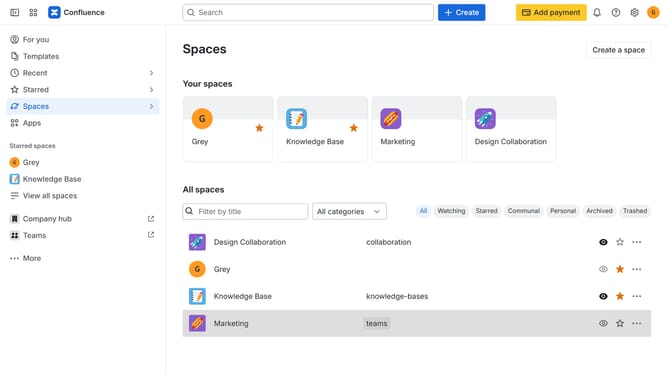
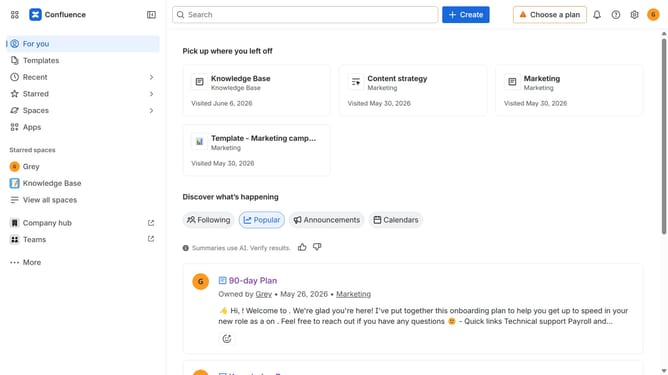
- First click on "Apps" in the navigation
- Next, select the "Explore more apps" option
- From the list, locate "Scroll Sites for Confluence" and click on it to open the app details page
- Click on the "Try it free" or "Install" button
- Select the Confluence site where it will be installed
- Then click on the "Review" button to proceed
- Review the app details, permissions, and other information
- Finally, click on the "Start free trial" or "Confirm installation" button
Why should you install Scroll Sites in Confluence
Confluence is your ultimate collaboration hub, enabling teams to work together seamlessly on projects.
Installing Scroll Sites in Confluence unlocks an array of features aimed at enhancing content management. The integration is designed to simplify publishing processes, providing a streamlined, efficient system for content delivery.
This feature allows users to transform Confluence pages into customizable websites with ease, making content more accessible and visually appealing.
It empowers teams by facilitating better organization and presentation of information, ensuring a more engaging user experience and fostering greater team collaboration.
Last update