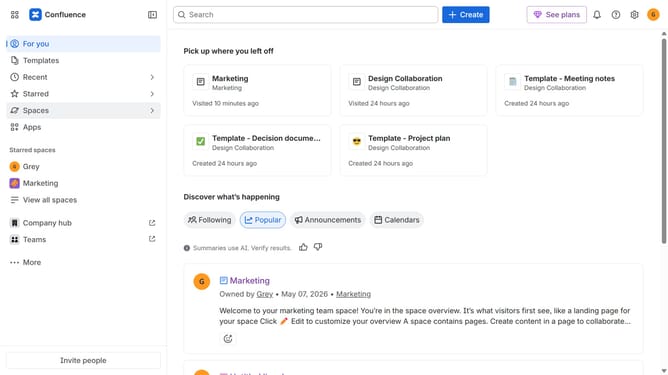
How to filter apps by the Compliance use case in the Confluence Marketplace
Here is how to filter apps by the compliance use case in the confluence marketplace
- First click on the "Apps" in the left sidebar
- Next, click on the "Explore more apps" option
- Click on the "Use cases" filter in the top menu bar
- Then, select the "Compliance" checkbox
- Optionally, select additional use case options
Why should you filter apps by the Compliance use case in the Confluence Marketplace
Confluence is a collaborative workspace that facilitates dynamic team sharing and documentation.
When searching the Confluence Marketplace, filtering apps by the Compliance use case streamlines finding tools that meet regulatory standards and company policies.
Using this feature ensures you discover apps tailored to compliance, enhancing organizational governance and reducing risks.
This precision saves time, optimizes resource usage, and ensures that teams consistently stay aligned with industry regulations.
Last update