How to change the permissions for a custom space role in Confluence
Here is how to change the permissions for a custom space role in confluence
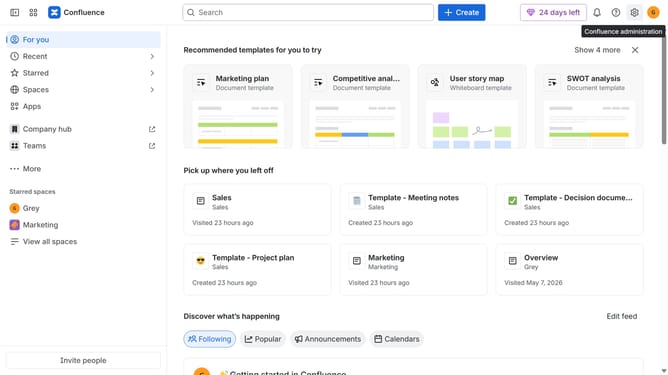
- First click on the settings icon in the top right corner to open confluence administration
- In the sidebar, click on "Permissions"
- Next, click on "Space roles" in the submenu
- Locate the custom role whose permissions you want to change under the "Custom roles" section
- Click on the three dots icon next to the role
- Next click on the "Edit" option in the dropdown menu
- In the modal that appears, select or clear the permission checkboxes you want to update
- Then, once done, click on the "Save" button to apply the changes
- Finally click on the "Save" button to confirm the changes
Why should you change the permissions for a custom space role in Confluence
Confluence is a dynamic collaboration tool designed to enhance teamwork and knowledge sharing.
Changing permissions for a custom space role in Confluence empowers teams to tailor access and streamline project management. By customizing roles, you ensure that users have appropriate access levels, fostering a secure and efficient collaboration environment.
This feature offers flexibility, allowing administrators to adapt permissions to the evolving needs of the team. Custom permissions enhance productivity by granting the right users the correct access while maintaining data integrity and security.
Last update