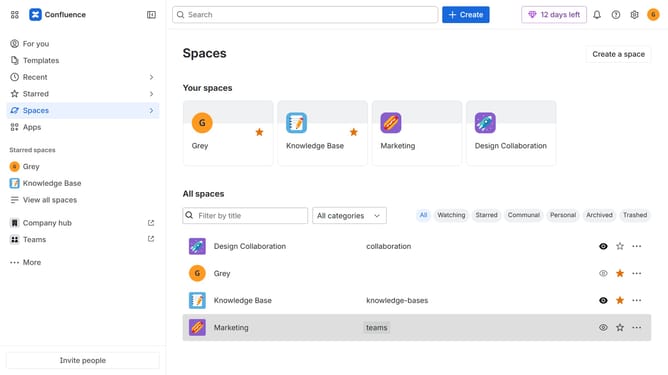
How to change the Confluence landing page
Here is how to change the confluence landing page
- First click on the gear icon in the top right header
- Find "Settings" in the Confluence administration menu
- Next click on "Configuration"
- After that, select "General configuration" in the submenu
- In the Confluence setup section, locate the "Confluence landing page" setting
- Next click on the dropdown menu
- Then select your preferred landing page from the dropdown menu
- Finally scroll down and click on the "Save configuration changes" button
Why should you change the Confluence landing page
Confluence is a collaborative workspace that helps teams stay organized and build a shared knowledge base.
Changing the Confluence landing page allows you to tailor your workspace to best meet your team's needs, ensuring quick access to the most vital information.
This feature not only enhances user experience by streamlining navigation but also encourages productivity by placing essential resources front and center.
By customizing the landing page, you empower your team with a responsive, personalized environment conducive to achieving your goals efficiently.
Last update