How to install Easy Dropdown Menu in Confluence
Here is how to install easy dropdown menu in confluence
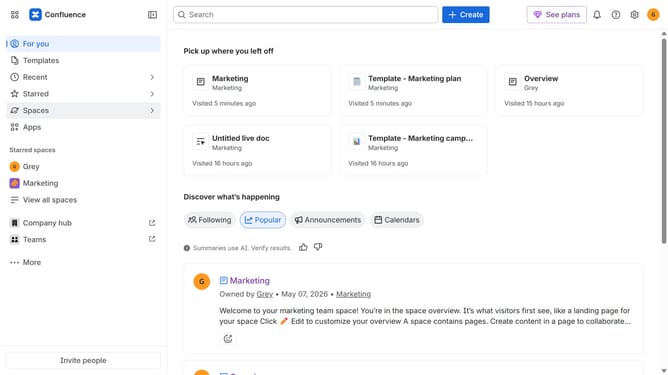
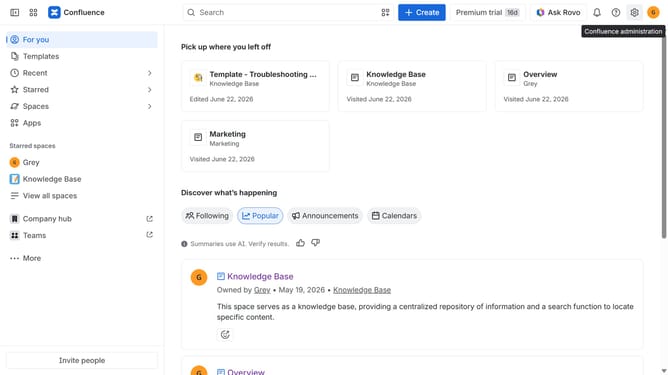
- First click on "Apps" in the navigation
- Next, select the "Explore more apps" option
- From the list, locate "Easy Dropdown Menu" and click on it to open the app details page
- After that, click on the "Try it free" button
- Select the Confluence site where the app will be installed
- Then click on the "Review" button to proceed
- Review the app details, permissions, and other information
- Finally, click on the "Start free trial" button
Why should you install Easy Dropdown Menu in Confluence
Confluence is a robust collaboration tool designed to help teams create, share, and collaborate on projects efficiently.
Installing the Easy Dropdown Menu in Confluence enhances navigation by streamlining content access through intuitive menus.
This feature simplifies user interaction, making information retrieval swift and organized, leading to increased productivity.
Embracing the Easy Dropdown Menu offers teams a visually appealing and user-friendly way to manage and access documents seamlessly.
Last update