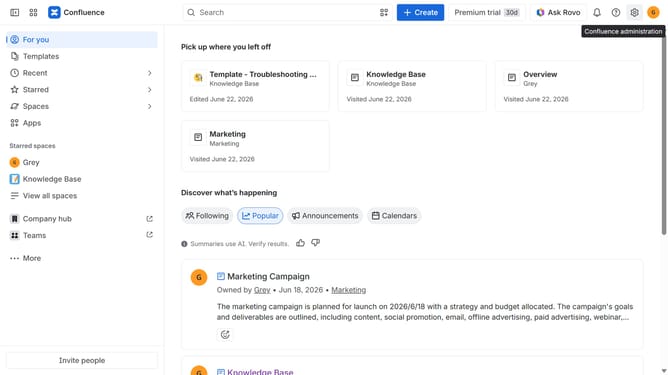
How to disable avatars on published content in Confluence
Here is how to disable avatars on published content in confluence
- First click on the gear icon in the top right header to open the Confluence administration menu
- Find "Settings" in the Confluence administration menu
- Next click on "Configuration"
- After that, select "General configuration" in the submenu
- In the Confluence setup section, locate "Avatars on published content"
- Then, uncheck the checkbox to disable the option
- Finally click on the "Save configuration changes" button to apply the changes
Why should you disable avatars on published content in Confluence
Confluence is a dynamic workspace that boosts collaboration and content management for teams.
An essential feature that Confluence offers is the ability to disable avatars on published content, enhancing the focus on information rather than user profiles.
This feature streamlines the visual presentation, which is particularly beneficial for formal documentation and when prioritizing content usability over personalization.
By disabling avatars, you ensure a cleaner, distraction-free environment, allowing readers to engage more thoroughly with the core content, fostering efficient communication and collaboration.
Last update