How to reset the default space logo in Confluence
Here is how to reset the default space logo in confluence
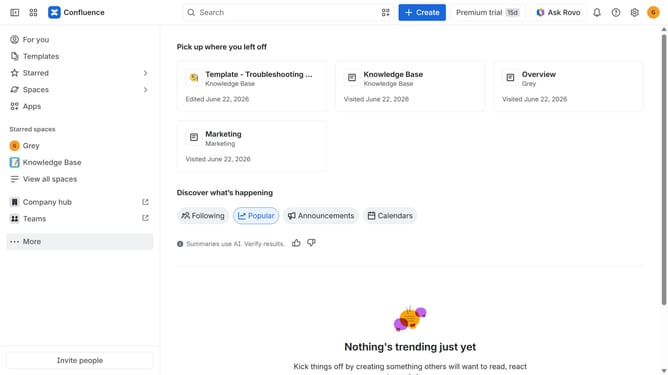
- First, click on the gear icon in the header to open Confluence administration
- Next, click on "Look and feel" in the settings menu
- Then, select "Default space logo" in the submenu
- Finally, click on the "Reset logo to default" button under the current logo
Why should you reset the default space logo in Confluence
Confluence is an intuitive team collaboration tool designed to foster seamless information sharing and project management.
The ability to reset the default space logo in Confluence offers a refreshing touch to your workspace. This feature is particularly beneficial for teams looking to rebrand or align space visuals with updated branding strategies. By resetting the logo, teams have the flexibility to maintain a cohesive and contemporary look that reflects their current brand identity.
Keeping the workspace updated with a new logo not only enhances the aesthetic appeal but also boosts team morale by reinforcing a shared sense of identity. This visual alignment can improve user engagement and help in making the workspace feel more personalized and professional.