How to disable live docs in a Confluence space
Here is how to disable live docs in a confluence space
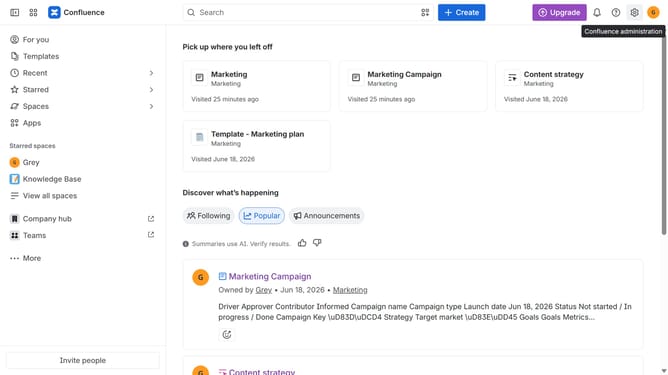
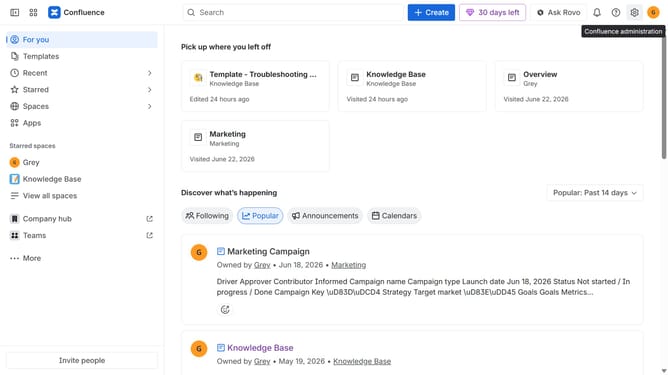
- First click on "Spaces" in the left sidebar
- Next click on the "View all spaces" option
- From the list of spaces, select the space you want to manage features for
- Then click on the "three dots" button next to the space name in the sidebar
- From the dropdown menu, select the "Space settings" option
- Next click the "General" menu in the left sidebar
- Select "Features" from the submenu
- Then, locate the “Live docs” feature in the Content section
- Finally, turn off the toggle next to "Live docs" to disable it
Why should you disable live docs in a Confluence space
Confluence is a powerful collaborative workspace that helps teams manage projects and share knowledge with ease.
Disabling live docs in a Confluence space allows users to maintain control over content updates, ensuring greater accuracy and workflow stability. This feature is beneficial for those needing to keep historical data static for auditing or reference purposes.
By choosing to disable live docs, teams can prevent unauthorized changes and maintain document integrity, which is crucial in highly regulated industries or where information precision is key.
Last update