How to filter apps by Privacy Management use case in the Confluence Marketplace
Here is how to filter apps by privacy management use case in the confluence marketplace
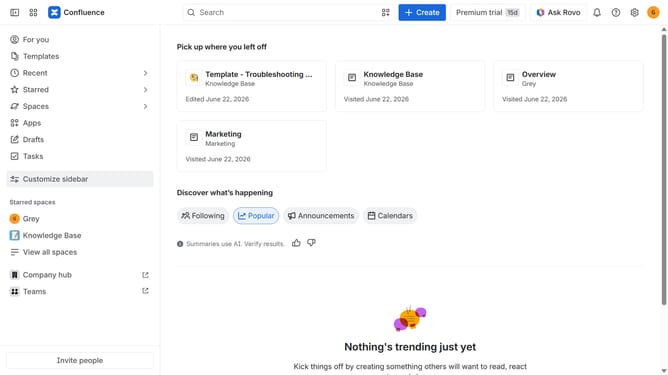
- First click on "Apps" in the left sidebar
- Next, click on the "Explore more apps" option
- Click on the "Use cases" filter below the search bar
- Then, select the "Privacy Management" checkbox
- Optionally, select additional use case options
Why should you filter apps by Privacy Management use case in the Confluence Marketplace
Confluence is a highly effective collaboration tool designed to streamline team productivity and knowledge sharing.
In the Confluence Marketplace, filtering apps by Privacy Management use case is a standout feature that empowers users to find tools tailored to safeguarding sensitive information.
This capability not only enhances data protection but also ensures compliance with privacy regulations, offering peace of mind for businesses.
Ultimately, it facilitates a more secure environment, promoting trust and integrity within collaborative efforts.
Last update