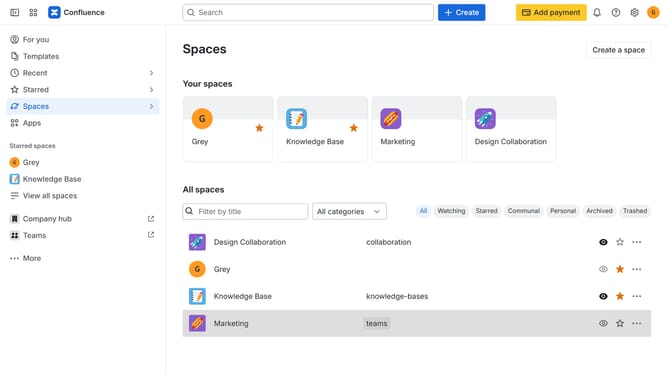
How to add a custom space role in Confluence
Here is how to add a custom space role in confluence
- First click on the settings icon in the top right corner to open confluence administration
- In the sidebar, click on "Permissions"
- Next, click on "Space roles" in the submenu
- Under the "Custom roles" section, click on the "Add custom role" button
- After that, enter a name for the custom role into the "Role name" input field
- In the "Role description" field, add a description explaining the purpose of the role
- Then select the permissions you want to include for this role
- Finally click on the "Create" button
Why should you add a custom space role in Confluence
Confluence is a powerful collaborative workspace designed to help teams efficiently organize and share information.
One notable feature in Confluence is the ability to add a custom space role. This capability allows teams to fine-tune access and permissions, tailoring roles to meet specific project needs and ensuring that the right people have the right level of access.
Using custom space roles enhances collaboration by creating a more secure and streamlined experience. Teams can maintain focus, improve productivity, and ensure sensitive information is accessible only to authorized personnel, making workspace management easier and more effective.
Last update