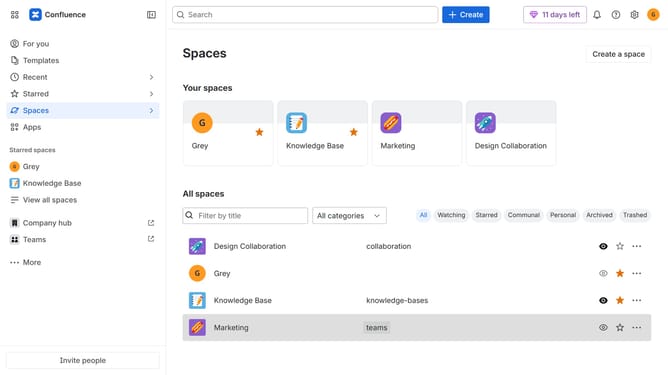
How to create a custom space role in Confluence
Here is how to create a custom space role in confluence
- First click on the settings icon in the top right corner to open confluence administration
- In the sidebar, click on "Permissions"
- Next, click on "Space roles" in the submenu
- Under the "Custom roles" section, click on the "Add custom role" button
- After that, enter a name for the custom role into the "Role name" input field
- In the "Role description" field, add a description explaining the purpose of the role
- Then select the permissions you want to include for this role
- Finally click on the "Create" button
Why should you create a custom space role in Confluence
Confluence is a dynamic collaboration platform designed to help teams share knowledge and collaborate effortlessly.
The ability to create a custom space role in Confluence enhances team management by allowing you to tailor permissions and responsibilities to suit specific project needs. This feature provides the flexibility to define unique roles aligned with your team’s workflow, ensuring everyone has access to the right tools and information.
Using custom space roles promotes effective collaboration, as it allows for precision in managing accessibility and authority within projects. It streamlines communication, reduces bottlenecks, and empowers team members to focus on what truly matters for their roles.
Last update