How to filter users by Guest role in Confluence
Here is how to filter users by guest role in confluence
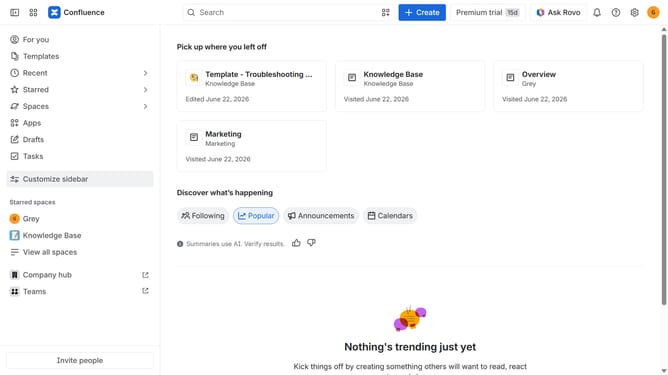
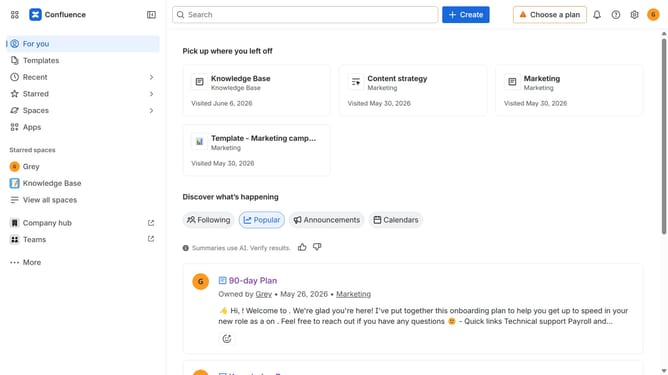
- First click on the "Switch sites or apps" button in the top left corner
- Next select "Administration" in the dropdown menu
- In the administration sidebar, click on "Directory"
- Select "Users" from the directory submenu
- After that click on the "Role" filter above the user list
- Then select "Guest" from the role options
- The user list will now display only users with the Guest role
Why should you filter users by Guest role in Confluence
Confluence is a powerful collaboration tool designed to enhance team productivity and documentation management.
Filtering users by the Guest role in Confluence streamlines access control by allowing administrators to easily identify and manage user permissions.
Utilizing this feature ensures that sensitive information is shared only with appropriate users, thereby enhancing security and maintaining data confidentiality within the platform.
Additionally, it facilitates a clutter-free user overview, simplifying the management of user roles and responsibilities.
Last update