How to enable recommendation emails in Confluence
Here is how to enable recommendation emails in confluence
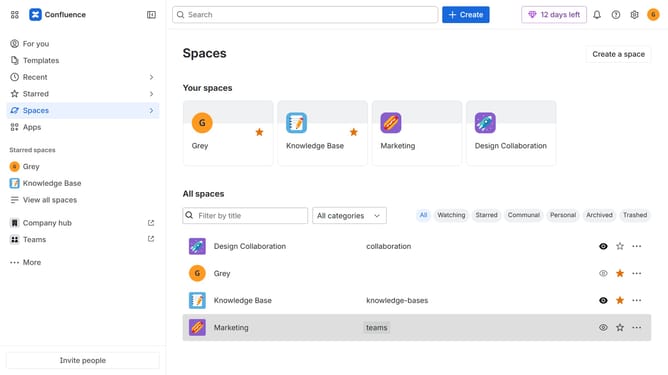
- First click on the gear icon in the top right corner
- Find "Settings" in the Confluence administration menu
- Next, click on the "Configuration" option
- Select "Notifications" from the expanded settings menu
- After that, locate the "Email settings" section
- Then check the "Recommendation email" checkbox to enable it
- Finally, click on the "Save email setting changes" button
Why should you enable recommendation emails in Confluence
Confluence is a collaborative workspace designed to help teams come together and work more effectively.
Enabling recommendation emails in Confluence can significantly boost productivity by keeping team members informed about relevant content.
This feature ensures that everyone receives personalized suggestions based on recent activities, enhancing knowledge sharing.
Utilizing recommendation emails fosters a more connected and up-to-date team environment, empowering members to collaborate seamlessly.
Last update