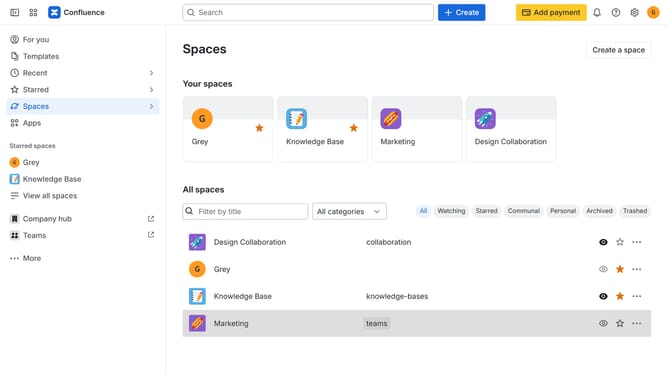
How to personalize the sidebar in Confluence
Here is how to personalize the sidebar in confluence
- First click on "Customize sidebar" in the sidebar
- In the customize sidebar menu, show, hide, or reorder the sidebar items as needed
- Finally, once done, click on the "Save changes" button
Why should you personalize the sidebar in Confluence
Confluence is a collaborative workspace designed to organize and streamline team knowledge.
The ability to personalize the sidebar in Confluence enhances user experience by providing easy access to frequently used pages. This customization boosts productivity and ensures relevant projects are at your fingertips.
Moreover, a personalized sidebar fosters intuitive navigation, reducing time spent searching for necessary information. It allows users to stay organized and focused, ultimately leading to more efficient and effective collaboration.
Last update