How to download all space content in Confluence
Here is how to download all space content in confluence
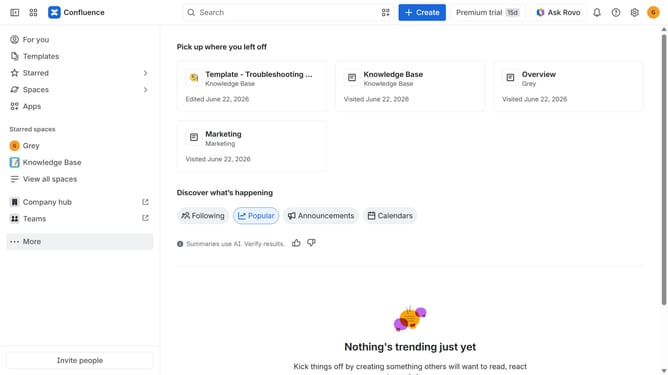
- First click on "Spaces" in the left sidebar
- Next click on the "View all spaces" option from the pop-up menu
- Click on the space you want to export to open it
- In the left sidebar, click on the three dots menu next to the space name
- After that, click on "Space settings" in the dropdown menu
- In the left panel, click on "General"
- Then, click on "Export space" in the submenu
- Next, select the "PDF" option under "Flie format"
- Next, select the "All content you have permission to view" option
- Once done, click on the "Export Space" button
- The export process will now begin
- Finally, once done click the “Download” button to download the exported file in your selected format
Why should you download all space content in Confluence
Confluence is a collaborative workspace designed to help teams organize their work effectively and coherently.
One valuable feature in Confluence is the ability to download all space content, ensuring your information is always within reach. This feature enhances data accessibility by allowing you to keep a backup of all essential documents and pages, making it a critical tool for data management.
Downloading space content is particularly beneficial for teams who require offline access or need to preserve information for compliance or auditing purposes. This feature empowers users to securely manage and utilize their data anytime, anywhere.
Last update