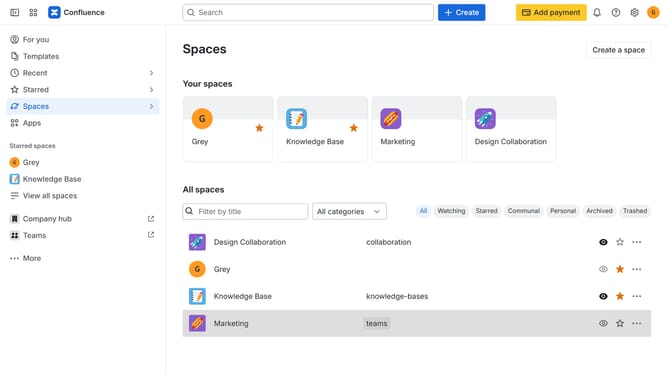
How to install Comala Document Management in Confluence
Here is how to install comala document management in confluence
- First click on "Apps" in the navigation
- Next, select the "Explore more apps" option
- From the list, locate "Comala Document Management" and click on it to open the app details page
- Click on the "Try it free" or "Install" button
- Select the Confluence site where it will be installed
- Then click on the "Review" button to proceed
- Review the app details, permissions, and other information
- Finally, click on the "Start free trial" or "Confirm installation" button
Why should you install Comala Document Management in Confluence
Confluence is a dynamic collaboration tool that empowers teams to create, share, and manage knowledge efficiently.
Installing Comala Document Management within Confluence enhances your workspace by introducing powerful document workflow and approval processes directly into your environment.
This integration provides not only structured review stages but also streamlines document verification, ensuring compliance and boosting productivity across teams.
With Comala Document Management, you experience smoother collaboration and maintain control over document versions and approvals, all within one cohesive platform.
Last update