How to filter apps by Reporting use case in the Confluence Marketplace
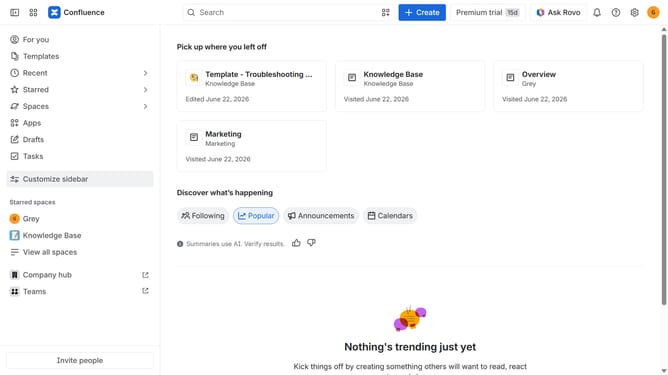
Here is how to filter apps by reporting use case in the confluence marketplace
- First click on "Apps" in the left sidebar
- Next, click on the "Explore more apps" option
- Click on the "Use cases" filter below the search bar
- Then, select the "Reporting" checkbox
- Optionally, select additional use case options
Why should you filter apps by Reporting use case in the Confluence Marketplace
Confluence is a powerful collaboration tool designed to help teams work together more effectively.
In the Confluence Marketplace, filtering apps by the Reporting use case is a streamlined feature that enhances productivity by narrowing down the options to only those that serve your specific needs.
Using this feature helps users quickly discover and integrate apps tailored to generate insightful reports, ensuring that relevant data is easily accessible and allowing teams to make informed decisions without delay.
This efficient filtering mechanism optimizes workflow and maximizes efficiency, empowering users to transform raw data into actionable intelligence.
Last update