How to change your Confluence theme
Here is how to change your confluence theme
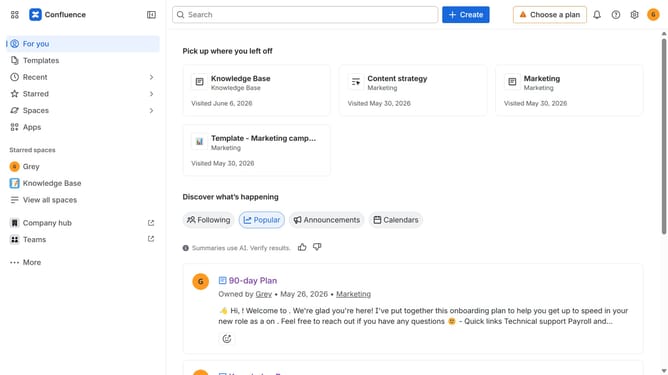
- First click on the user profile icon in the top right corner of the header
- Next click on the "Theme" option from the dropdown menu
- Then select your preferred theme from the theme selection menu
Why should you change your Confluence theme
Confluence is a powerful collaboration tool designed to help teams share, discuss, and collaborate on projects.
When you change your Confluence theme, you can tailor the interface to fit your personal or team preferences, enhancing user experience and engagement.
This feature allows you to select from various themes, ensuring that the workspace reflects your brand's identity or simply caters to the team's aesthetic preferences.
Improving visual aesthetics can boost productivity, as a visually engaging platform encourages more frequent usage and collaboration.
Last update