How to filter apps by Intranet use case in the Confluence Marketplace
Here is how to filter apps by intranet use case in the confluence marketplace
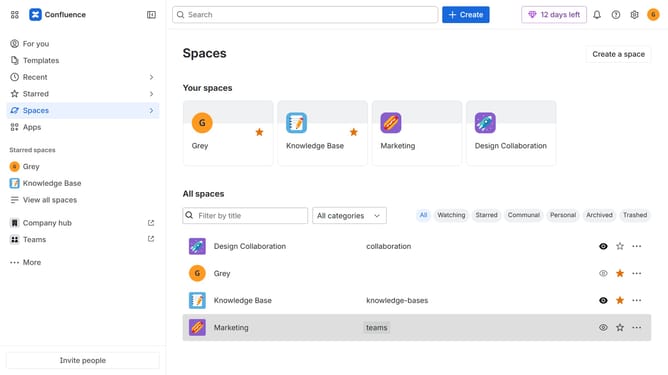
- First click on "Apps" in the left sidebar
- Next, click on the "Explore more apps" option
- Click on the "Use cases" filter below the search bar
- Then, select the "Intranet" checkbox
- Optionally, select additional use case options
Why should you filter apps by Intranet use case in the Confluence Marketplace
Confluence is a powerful collaboration tool designed to transform how teams work together.
In the Confluence Marketplace, you can enhance your team's productivity by filtering apps based on specific Intranet use cases. This feature allows you to quickly narrow down apps that fit your requirements, ensuring you find the perfect solution to streamline internal communication.
By focusing on relevant apps, you save time and make informed decisions, fostering a more efficient and connected workplace. This process helps build an environment tailored to your unique business needs.
Last update