How to manage recommendation Slack notifications in Confluence
Here is how to manage recommendation slack notifications in confluence
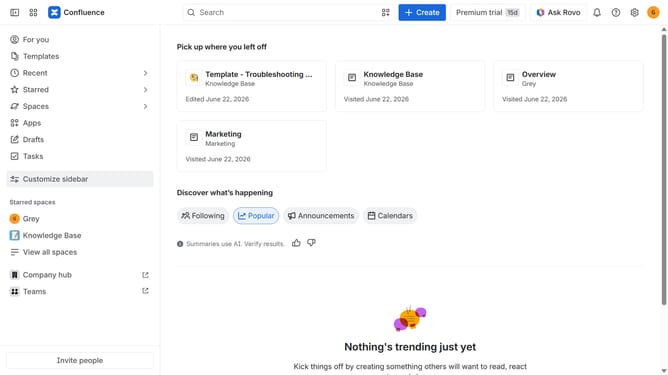
- First click on the gear icon in the top right corner
- Find "Settings" in the Confluence administration menu
- Next, click on the "Configuration" option
- Select "Notifications" from the expanded settings menu
- After that, locate the "Slack settings" section
- Then check or uncheck the "Recommendation Slack message" checkbox to receive or stop receiving recommendation Slack notifications
- Finally, click on the "Save Slack setting changes" button
Why should you manage recommendation Slack notifications in Confluence
Confluence is a powerful collaboration tool that streamlines teamwork by integrating with various platforms.
Managing recommendation Slack notifications within Confluence enhances team communication, ensuring no vital update goes unnoticed. By synchronizing these alerts, teams can efficiently keep track of project modifications without toggling between applications.
This seamless integration fosters a more organized workflow, allowing members to prioritize and respond promptly to key insights, ultimately boosting productivity and fostering greater collaboration.
Last update