How to filter audit log events in Confluence
Here is how to filter audit log events in confluence
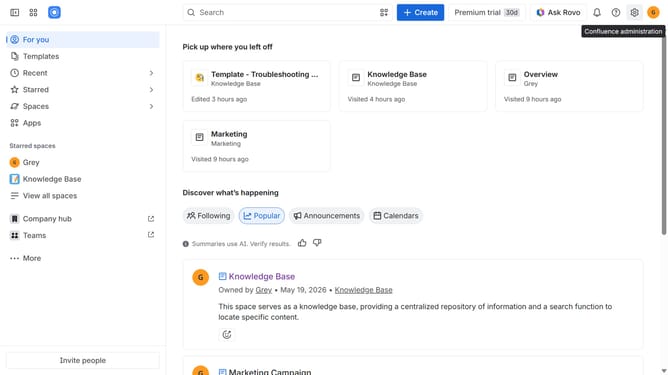
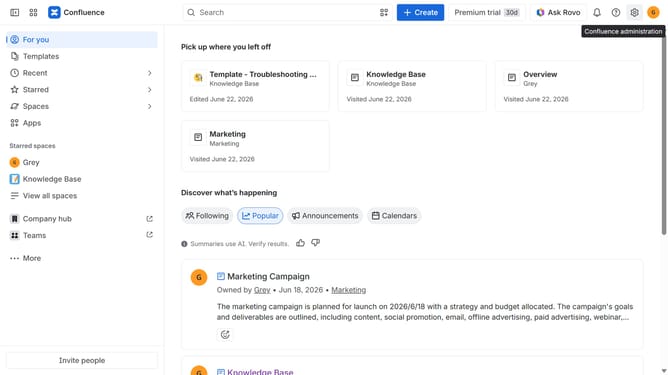
- First click on the gear icon in the top right header
- Next, click on "Audit log" in the left sidebar under "Monitoring"
- Click on the "Keyword" field and enter a keyword related to the event, user, or action you want to find
- Then click on the search icon next to the keyword input
- To filter by time, click on the "Filter by Time" button
- Then, select the time range you want to review or a custom date range
- Finally click on the "Update" button to apply the filter
Why should you filter audit log events in Confluence
Confluence is a powerful collaboration tool that centralizes your team's information to boost productivity and efficiency.
One key feature is the ability to filter audit log events, enabling users to track and manage specific activities in detail. This feature permits tailored monitoring, ensuring you can quickly pinpoint relevant activities amidst a sea of data.
Using this feature enhances transparency and aids in maintaining accountability, empowering teams to effectively oversee their workspace activities. The clarity offered by filtered audit logs ensures optimal compliance management and impactful decision-making.
Last update