How to disable the Customer impact assessment blueprint in Confluence
Here is how to disable the customer impact assessment blueprint in confluence
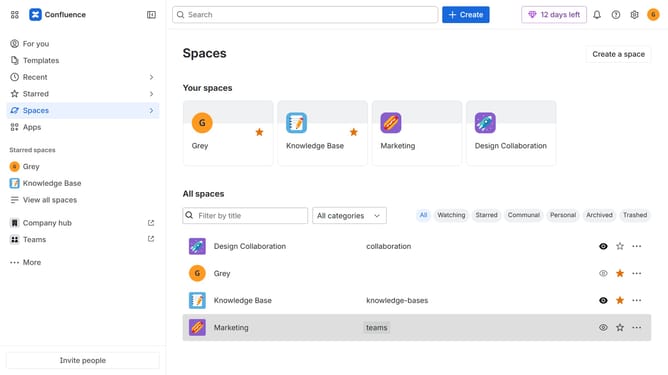
- First click on the gear icon in the top right header
- Click on "Configuration" in the left sidebar under Settings
- Next, select "Global templates and blueprints"
- After that, locate the "Global blueprints" section
- Then locate the "Customer impact assessment" blueprint in the Global blueprints list
- Finally, turn off the toggle next to the blueprint to disable it
Why should you disable the Customer impact assessment blueprint in Confluence
Confluence is a powerful collaboration tool designed to help teams share and organize information efficiently.
Disabling the Customer Impact Assessment Blueprint in Confluence can optimize your workspace by removing unnecessary blueprint clutter, streamlining processes, and enhancing focus on more relevant content.
This feature is beneficial as it allows teams to concentrate on the most critical aspects of project planning and collaboration, enhancing productivity and ensuring that resources are best allocated to tasks that have the most significant impact.
Last update