How to disable the custom default space logo in Confluence
Here is how to disable the custom default space logo in confluence
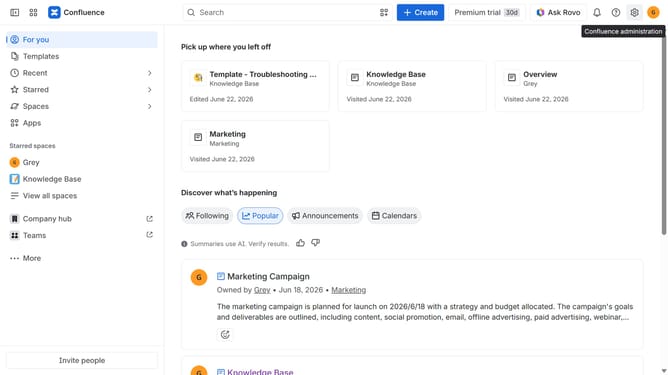
- First, click on the gear icon in the header to open Confluence administration
- Next, click on "Look and feel" in the settings menu
- Then, select "Default space logo" in the submenu
- Finally, turn off the "Logo" toggle
Why should you disable the custom default space logo in Confluence
Confluence is a dynamic collaboration tool designed to help teams work smarter and more efficiently.
Using the feature to disable the custom default space logo in Confluence can bring about a cleaner and more unified interface.
This is particularly beneficial for organizations aiming for a consistent branding experience or those who prefer a minimalist aesthetic.
Streamlining your Confluence experience by removing individual space logos can enhance focus and improve navigation efficiency for users.
Last update