How to receive weekly recommended content by email in Confluence
Here is how to receive weekly recommended content by email in confluence
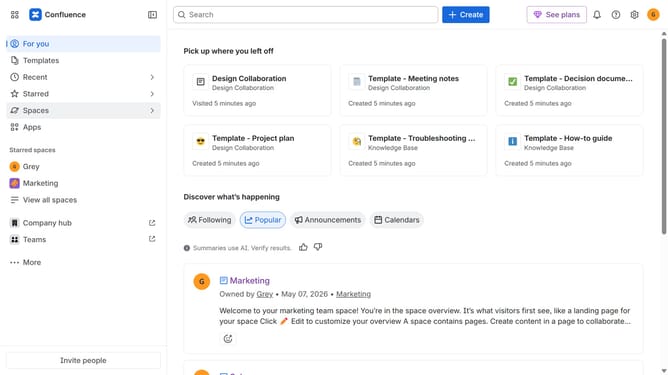
- First click on the gear icon in the top right corner
- Find "Settings" in the Confluence administration menu
- Next, click on the "Configuration" option
- Select "Notifications" from the expanded settings menu
- After that, locate the "Email settings" section
- Then check the "Recommendation email" checkbox to enable it
- Finally, click on the "Save email setting changes" button
Why should you receive weekly recommended content by email in Confluence
Confluence is a collaborative workspace designed to organize team knowledge and foster productivity.
Receiving weekly recommended content by email in Confluence ensures you stay updated with the most relevant information tailored to your interests.
This feature helps streamline your work process by delivering important updates directly to your inbox, saving time and enhancing focus.
Enjoy the advantage of curated content that boosts your team's efficiency and knowledge-sharing efforts.
Last update