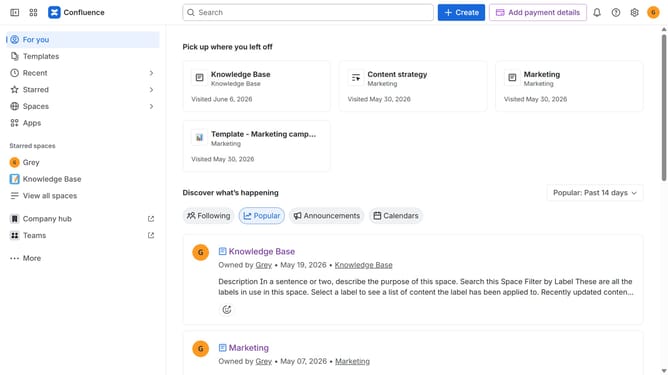
How to resend a user invitation in Confluence
Here is how to resend a user invitation in confluence
- First click on the "Switch sites or apps" button in the top left corner
- Next select "Administration" in the dropdown menu
- In the administration sidebar, click on "Directory"
- Select "Users" from the directory submenu
- Locate the user with pending invitation status
- Then, click on the three dots in the Actions column
- Finally, click on "Resend invitation" from the dropdown menu
Why should you resend a user invitation in Confluence
Confluence is a collaborative workspace where teams can create, share, and organize work all in one place.
Resending a user invitation in Confluence is a simple feature with impactful benefits.
This function ensures that no team member misses out on joining a crucial workspace due to a lost or ignored initial invitation. By easily resending invites, you maintain smooth communication flow and ensure everyone has timely access.
A practical tool for maintaining team effectiveness and seamless onboarding.
Last update