How to disable the Customer Journey Mapping blueprint in Confluence
Here is how to disable the customer journey mapping blueprint in confluence
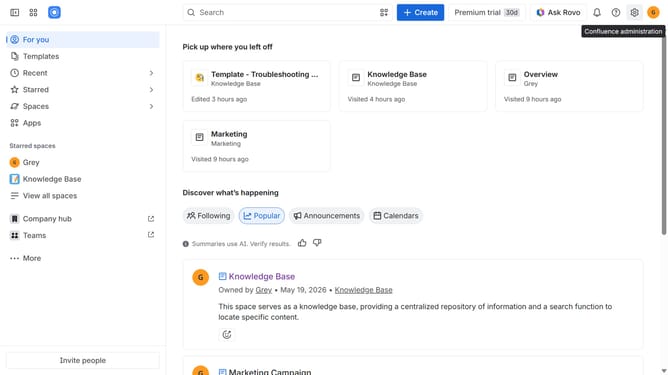
- First click on the gear icon in the top right header
- Click on "Configuration" in the left sidebar under Settings
- Next, select "Global templates and blueprints"
- After that, locate the "Global blueprints" section
- Then locate the "Customer Journey Mapping" blueprint in the Global blueprints list
- Finally, turn off the toggle next to the blueprint to disable it
Why should you disable the Customer Journey Mapping blueprint in Confluence
Confluence is a dynamic collaboration tool designed to unify team communication and project management seamlessly.
Disabling the Customer Journey Mapping blueprint in Confluence allows teams to streamline their workspaces by removing unnecessary elements. This feature is particularly beneficial when specific tools are not required for current projects, promoting a clutter-free environment.
By doing so, you create a more focused workspace where attention is given only to the tools and functions that enhance productivity and team efficiency.
Last update