How to filter apps by the CRM use case in the Confluence Marketplace
Here is how to filter apps by the crm use case in the confluence marketplace
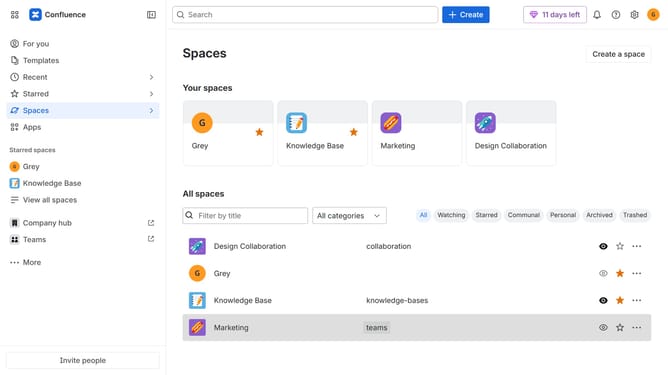
- First click on the "Apps" in the left sidebar
- Next, click on the "Explore more apps" option
- Click on the "Use cases" filter in the top menu bar
- Then, select the "CRM" checkbox
- Optionally, select additional use case options
Why should you filter apps by the CRM use case in the Confluence Marketplace
Confluence is an intuitive collaboration tool designed to help teams create, share, and organize content effortlessly.
On the Confluence Marketplace, users have the ability to filter apps by specific CRM use cases. This streamlined feature enhances navigation, allowing users to efficiently pinpoint the tools that cater directly to their CRM requirements.
By utilizing this feature, teams save valuable time and resources, ensuring they equip themselves with the most relevant tools to boost productivity and maintain seamless CRM integration.
Last update